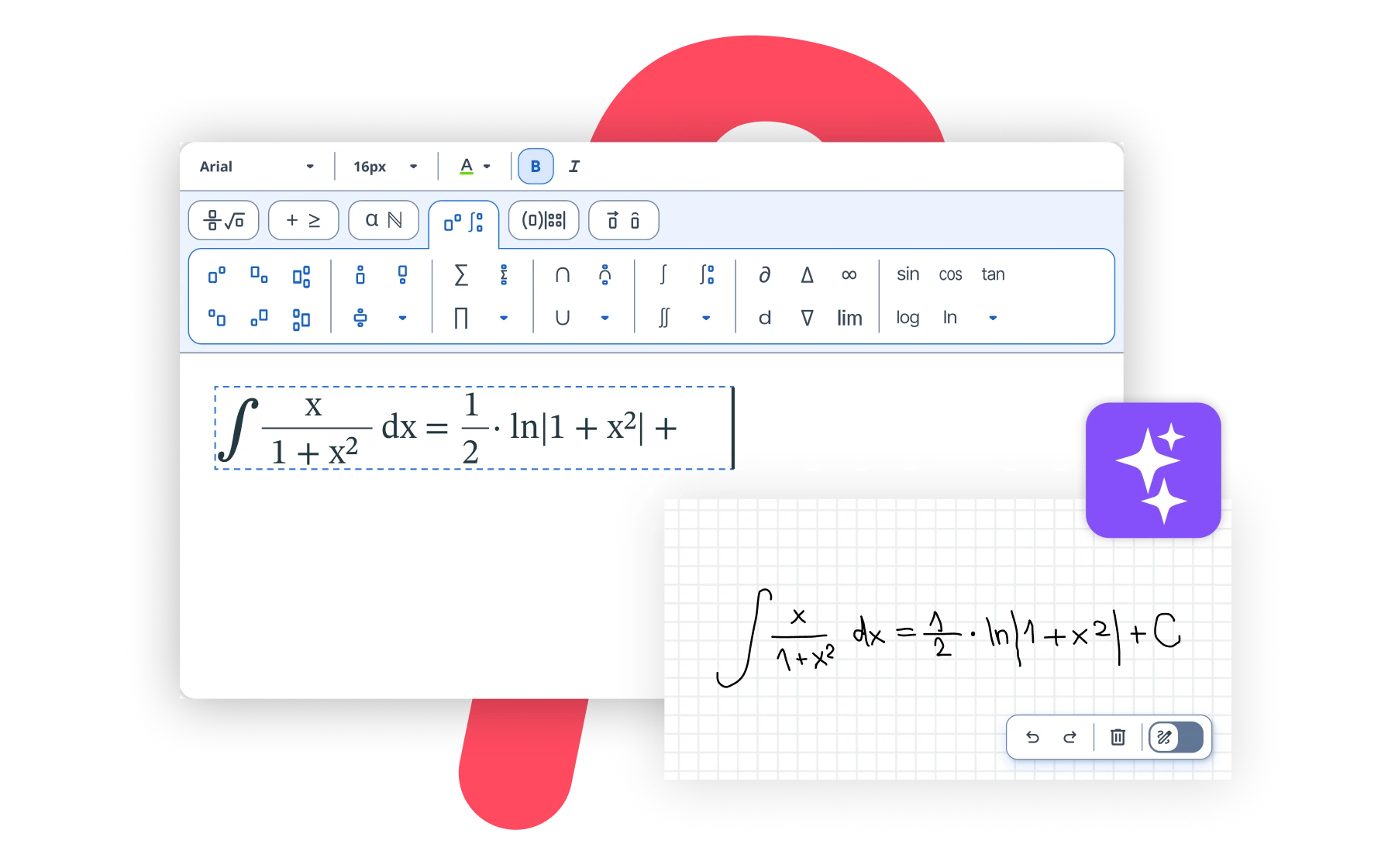
Hosting at your serverWIRIS editor comprises a Formula Image Service and an Applet Editor. This document explains how to install and use such components. You will normally use the WIRIS editor with a Formula plugin but there are occasions where the WIRIS editor can be use alone. For example, a learning platform could provide a quizzes system and the students could type the answer of the mathematical questions with WIRIS editor. ComponentsWIRIS editor is comprised of the following components
RequirementsIn the server side, to run the image service, the following requirements are needed:
The clients that need to edit formulas will require:
Download and installationDo the following steps
Note. In linux or unix servers, when the X libraries are not available the image service might be unable to generate any image. To fix it, the Java property Testing and using the formula editor appletTo test the formula editor, open the URL
This Web page ( String getContent() void setContent(String s) Applet parametersThe applet supports the following parameters
The page Testing and using the image serviceEnter The image service generates PNG images from xml documents representing a formula. The xml code must be in the MathML format. To generate an image you must send the corresponding parameters using the HTTP GET or POST method to the image service URL. There is only one required parameter, which is the xml code representing the formula; this parameter is called mml. Image service parametersIn addition to mml, the image service supports all the following parameters:
|